ScrollBump 1.7 makes rule locking available to everyone, and gives Pro users a stronger way to commit to their limits.
Rule Locking Is Now Free
You can now set an unlock timer on any Break Rule at no cost. No subscription required — if you want to make a rule harder to undo on a whim, locking is available to everyone.
New: Stay-in-App Locking (Pro)
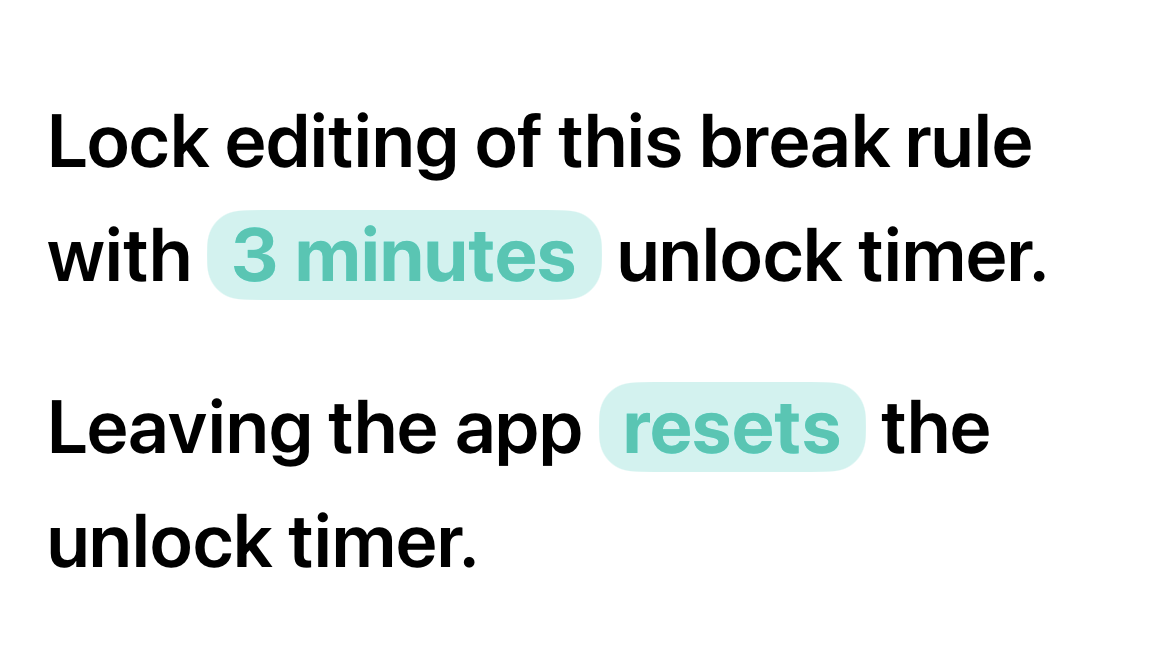
For Pro users, we’ve added a stricter version of locking: the unlock countdown only runs while ScrollBump is open. Step away from the app and the timer resets, removing the easy workaround of starting the timer and then ignoring the app until it finishes.
Monitoring Error Banner
A floating banner now appears when a rule’s monitoring gets out of sync, with a one-tap fix to restore it — no more guessing why a rule isn’t behaving as expected.

Feedback Improvements
Your email address is now pre-filled in the feedback form, so we can actually reply to you.
Bug Fixes
- Fixed a bug where locked rules could briefly appear unlocked
Update now on the App Store to try the new locking options.